Zoí
Zoí Health
Health & Badges
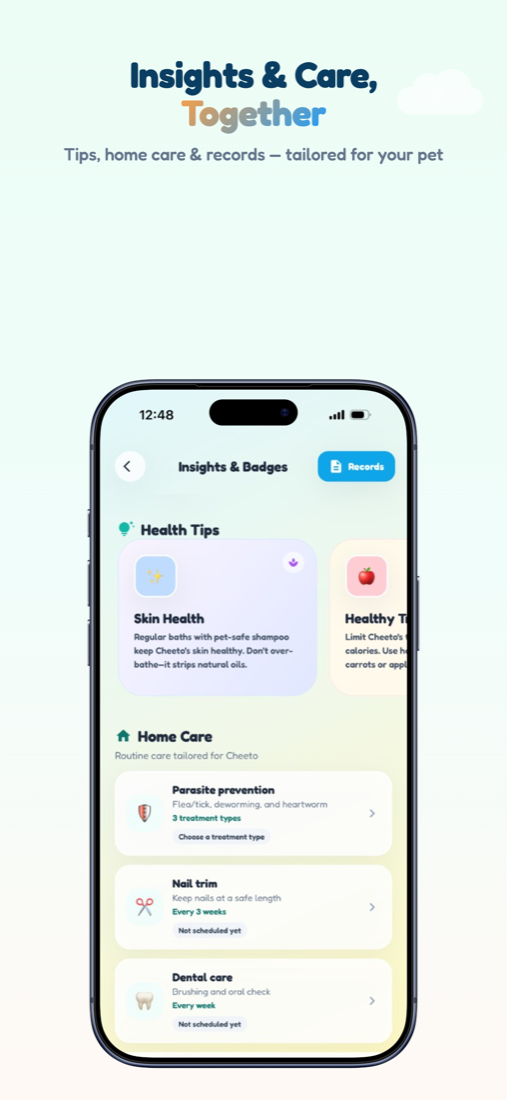
Insights & Badges is your wellness hub — health tips, home-care schedules, vaccination timelines, and a Trophy Case for real care milestones.
How to open: Open the Health tab (Insights & Badges).
How to use Health & Badges
-
Open Health
Tap the Health tab to open Insights & Badges.
-
Browse Health Tips
Scroll Health Tips cards for personalized guidance for your pet.
-
Schedule home care
Under Home Care, tap a task such as Nail trim, Dental care, Grooming, or Ear cleaning.
-
Set due time
Choose a due date and Morning / Afternoon / Evening, then save. Mark complete when you’re done.
-
Track parasite prevention
Open Parasite prevention and choose Flea & tick, Deworming, or Heartworm as needed.
-
Celebrate progress
Open the Trophy Case to see badges from bronze toward diamond as you build care habits.
Video guidance
A deeper visual walkthrough for Health & Badges.
This section is ready for a step-by-step walkthrough of Health & Badges. Until then, follow the instructions above in the app.
Also included
- Vaccination & meds timeline
- Species-aware home-care tasks
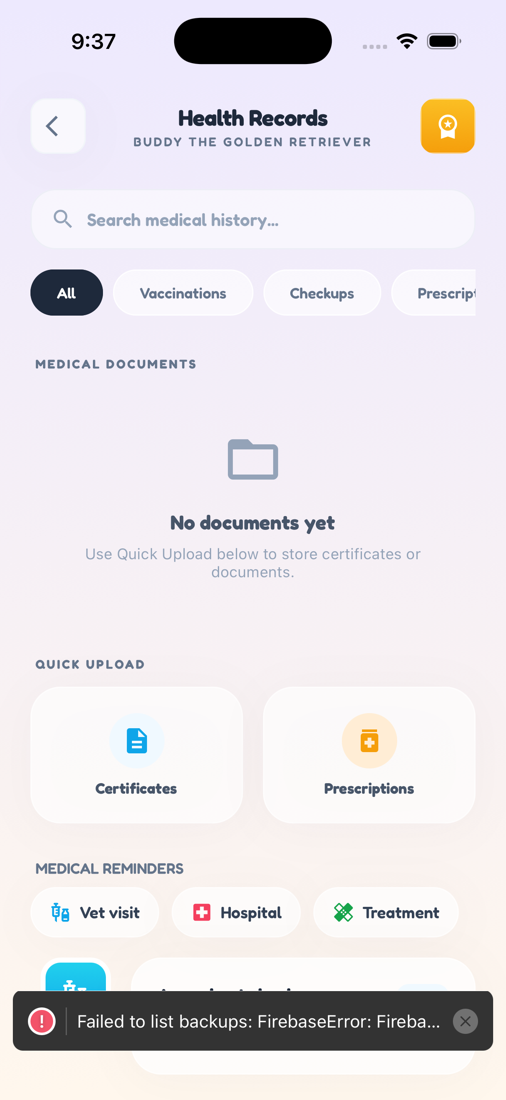
- Header Records shortcut to Health Records
- Coach insights and growth tips