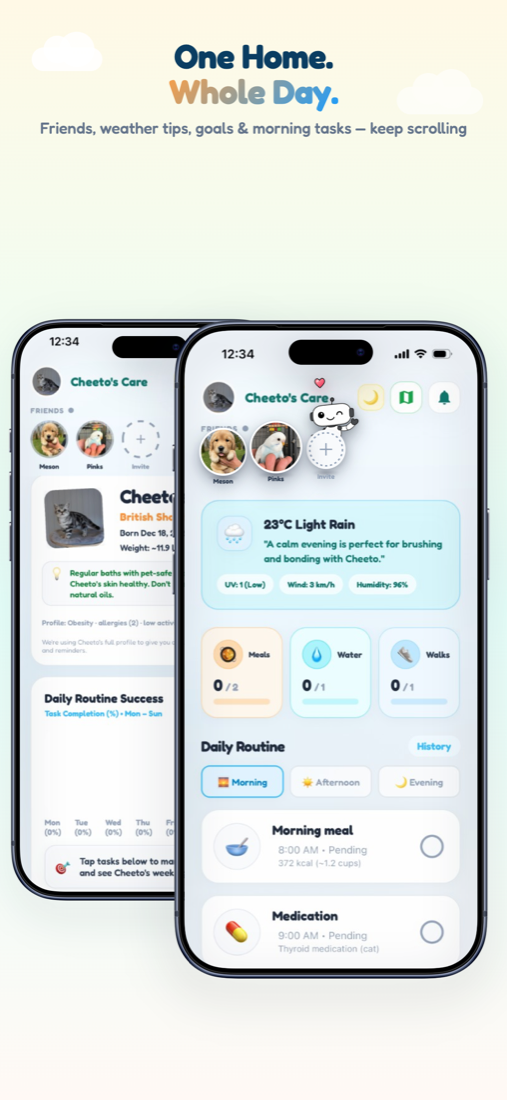
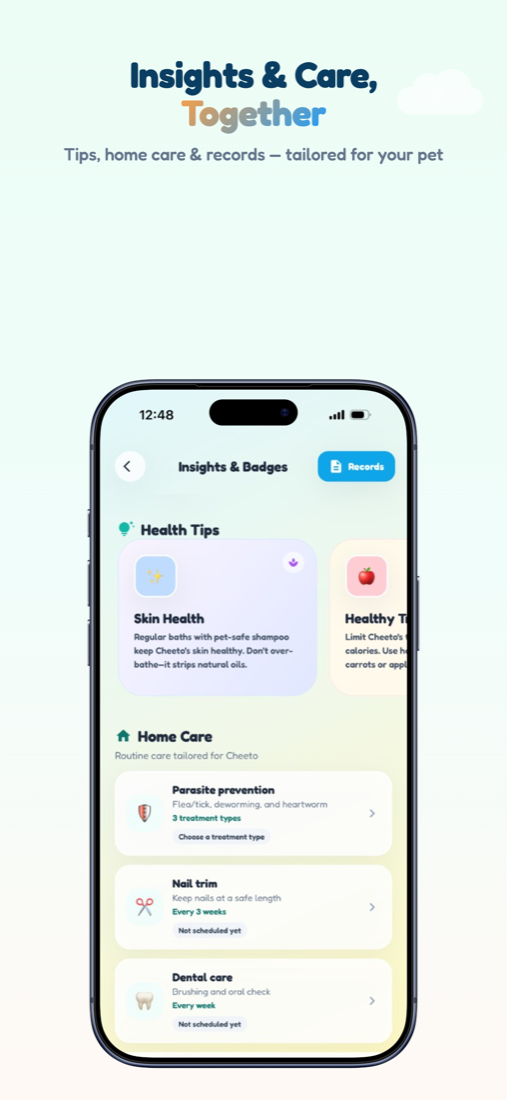
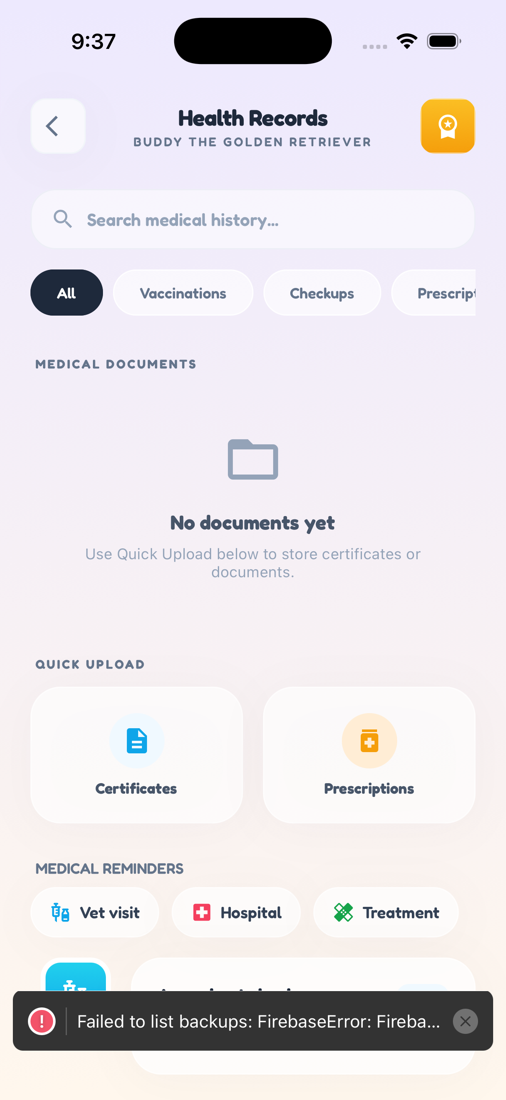
Zoí
Zoí Nutrition
Nutrition Tracker
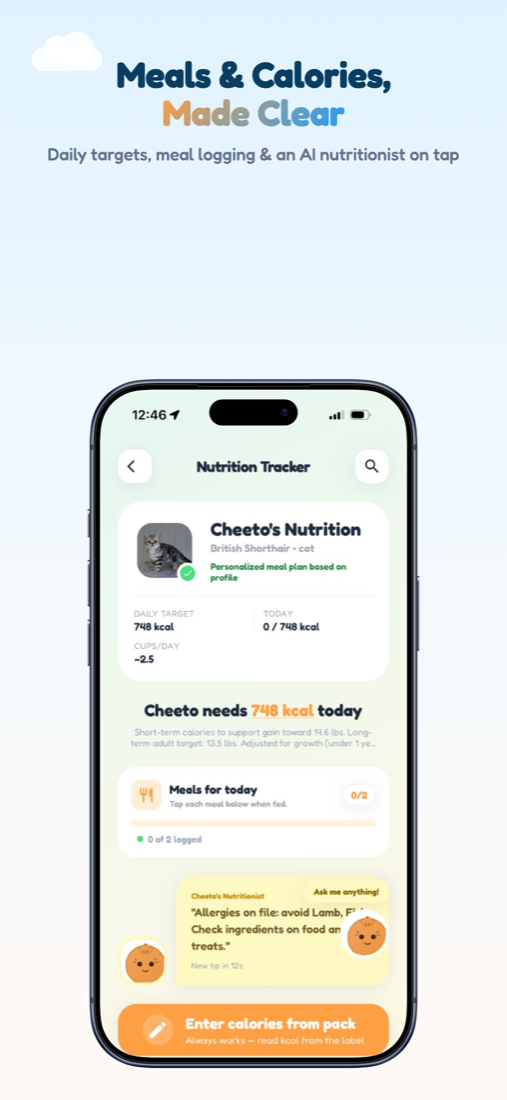
Track daily calories against a plan tailored to your pet. Log meals, scan packs or barcodes, and chat with the AI nutritionist.
How to open: Open the Nutrition tab (Nutrition Tracker).
How to use Nutrition Tracker
-
Open Nutrition
Tap the Nutrition tab to see today’s kcal target, intake, and cups/day.
-
Read nutritionist tips
Check rotating tips under your pet’s Nutritionist section.
-
Log food
Enter calories from a pack, scan a barcode, or scan a photo of the food.
-
Confirm product details
Review AI or database results, then save to feeding history when ready.
-
Complete today’s meals
Under Today’s Meals, tap meals to complete — they sync with Home routine.
-
Ask the AI nutritionist
Tap Ask me anything! to open Nutrition chat for portions, ingredients, or schedules.
Video guidance
A deeper visual walkthrough for Nutrition Tracker.
This section is ready for a step-by-step walkthrough of Nutrition Tracker. Until then, follow the instructions above in the app.
Also included
- Allergy-aware product checks
- Feeding history and View History
- Optional shopping reminder from a product
- Chat session kept for about 24 hours