Zoí
Zoí AI
Zoí AI Guidance
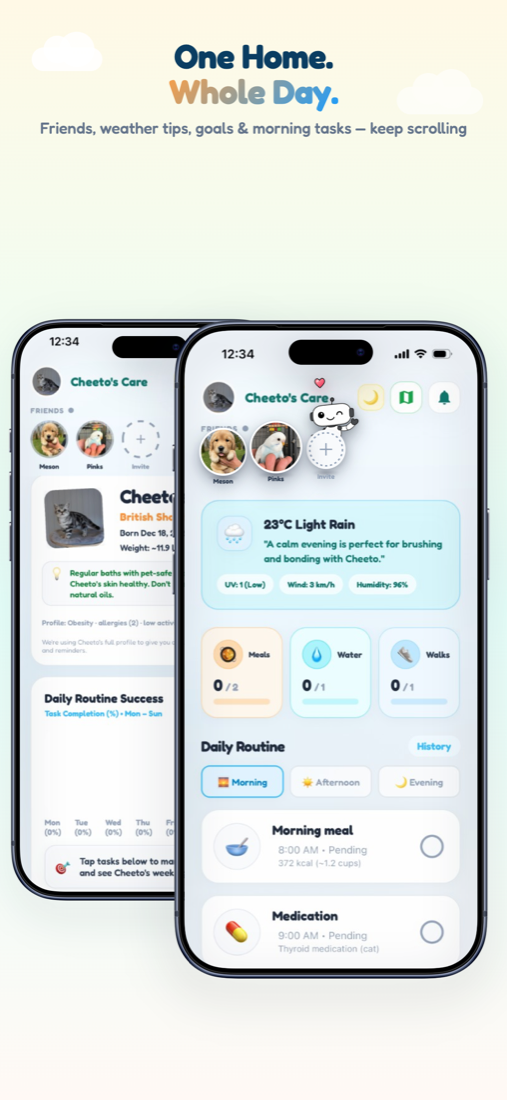
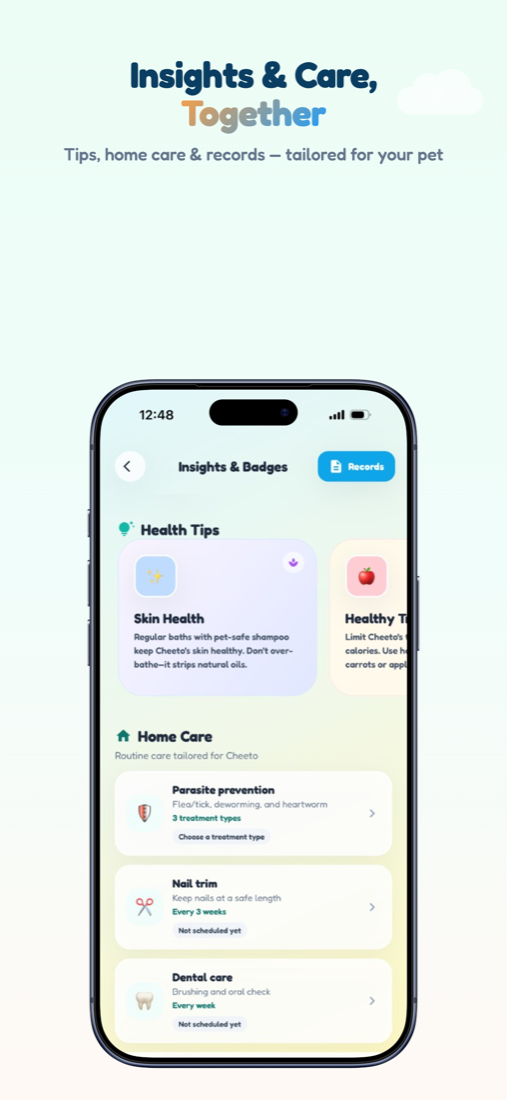
Zoí personalizes care with daily tips, health insights, nutrition chat, food scans, and prescription explanations grounded in your pet’s profile.
How to open: Appears across Home, Health, Nutrition, and Health Records.
How to use Zoí AI Guidance
-
See daily tips on Home
Open Home for weather-aware tips and recommendations tailored to your active pet.
-
Read Health coach insights
On Health, browse tips and coach copy that reflect your pet’s care patterns.
-
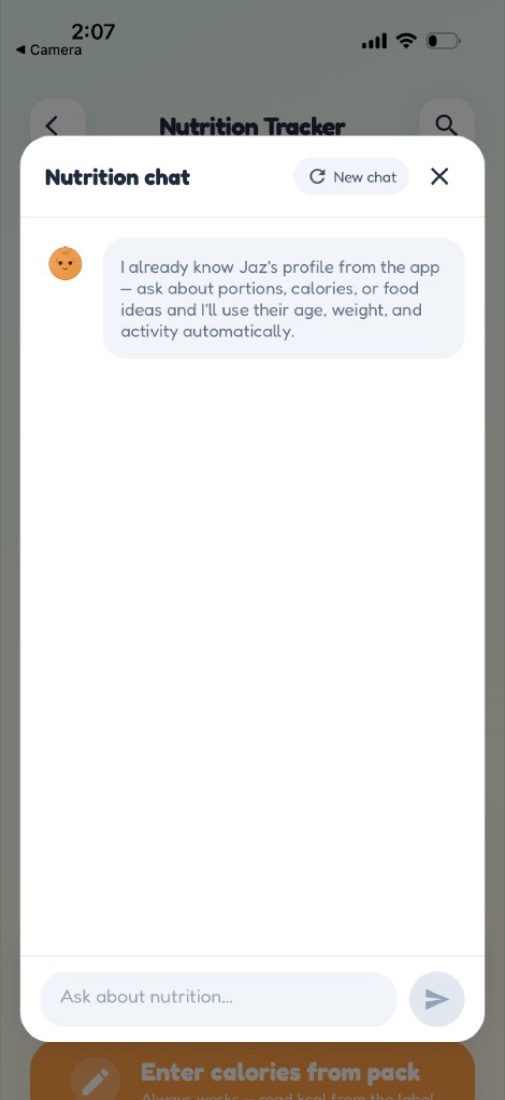
Chat with the nutritionist
On Nutrition, tap Ask me anything! for portion, ingredient, or schedule questions.
-
Scan food with AI
Use Scan photo or Scan barcode on Nutrition to estimate calories and product details.
-
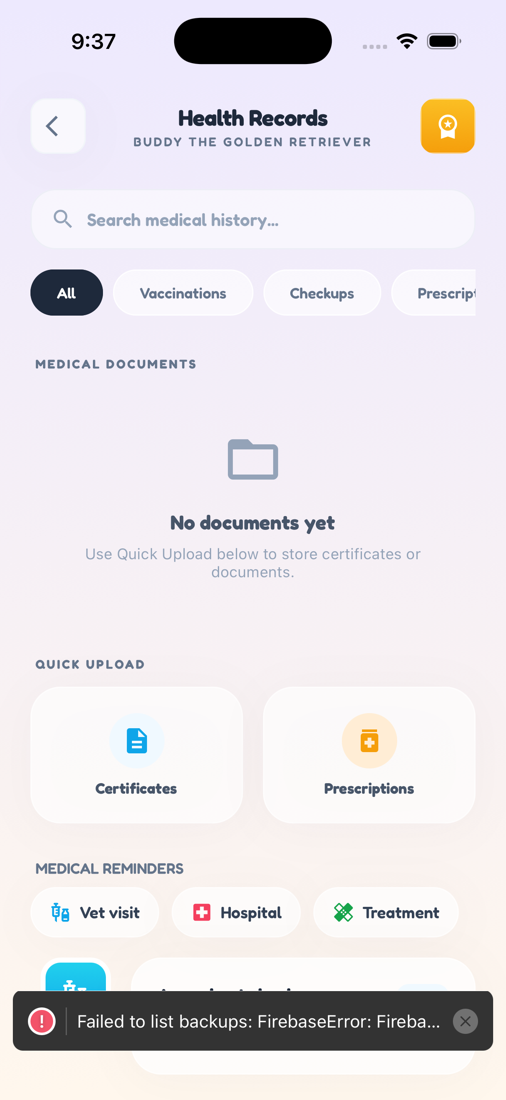
Explain prescriptions
In Health Records, use Explain / Explain with Zoí on prescription photos before saving.
-
Keep the profile accurate
Update weight, allergies, meds, and goals in Pet Profile so Zoí’s guidance stays relevant.
Video guidance
A deeper visual walkthrough for Zoí AI Guidance.
Also included
- Allergy-aware product checks
- Adaptive targets learned over time
- Document explanations in Records