Zoí
Zoí Social
Friends & Messaging
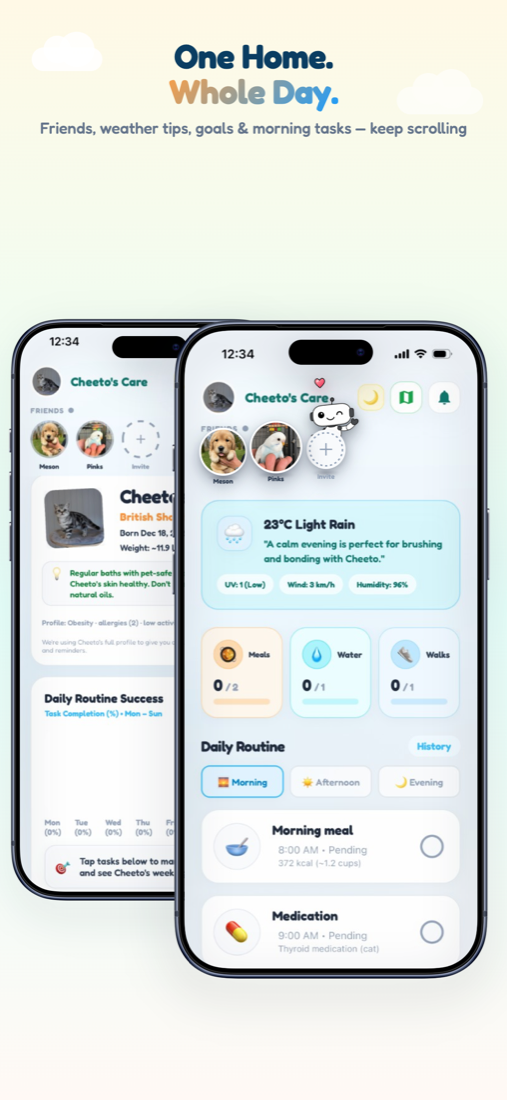
Connect pet-to-pet with other parents, send invites by link or QR, and message about playdates — all inside Zoí.
How to open: Home Friends strip → Invite, or Settings → Add friends.
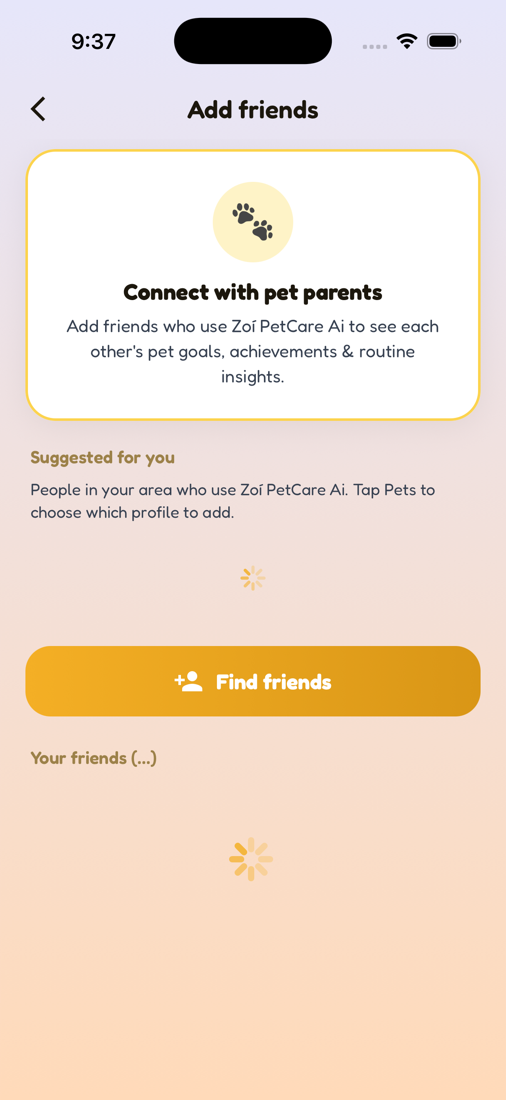
How to use Friends & Messaging
-
Open Add friends
From Home, tap Invite on the Friends strip, or go to Settings → Add friends.
-
Browse suggestions
Check Suggested for you when discovery is enabled in your area.
-
Find or invite
Tap Find friends → By Contact or Invite Through Link (URL / QR).
-
Send a pet-to-pet request
Choose which of your pets connects to which of theirs, then send the request.
-
Accept requests
Respond to incoming requests from Notifications or Friends. Accepted friends appear on the Home strip.
-
Message a friend
Open Settings → Messages, or start a chat from a friend profile.
Video guidance
A deeper visual walkthrough for Friends & Messaging.
This section is ready for a step-by-step walkthrough of Friends & Messaging. Until then, follow the instructions above in the app.
Also included
- Pet-specific friendships
- Invite link and QR
- Nearby visibility controls in Privacy & Security