Zoí
Zoí Map
Map & Pet Alerts
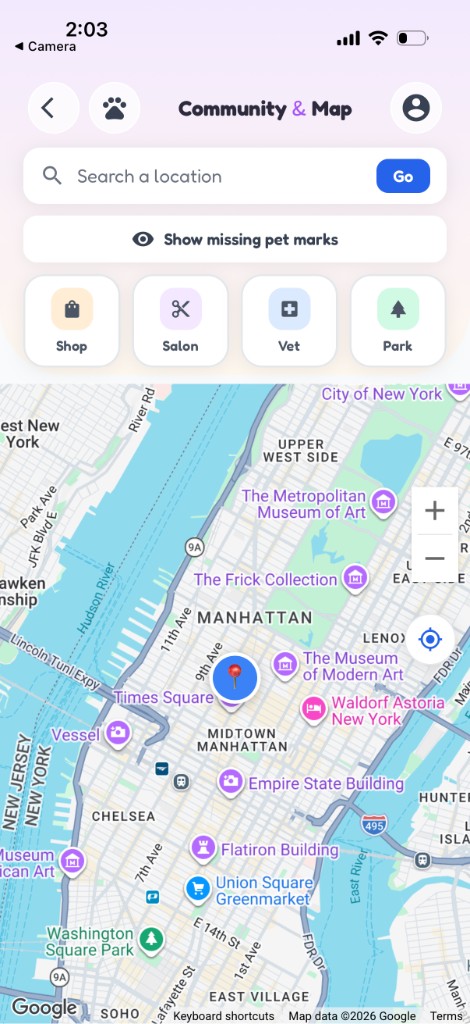
Find vets, shops, salons, and parks nearby. See friend pets on the map, and use Lost & Found community alerts to help reunite pets.
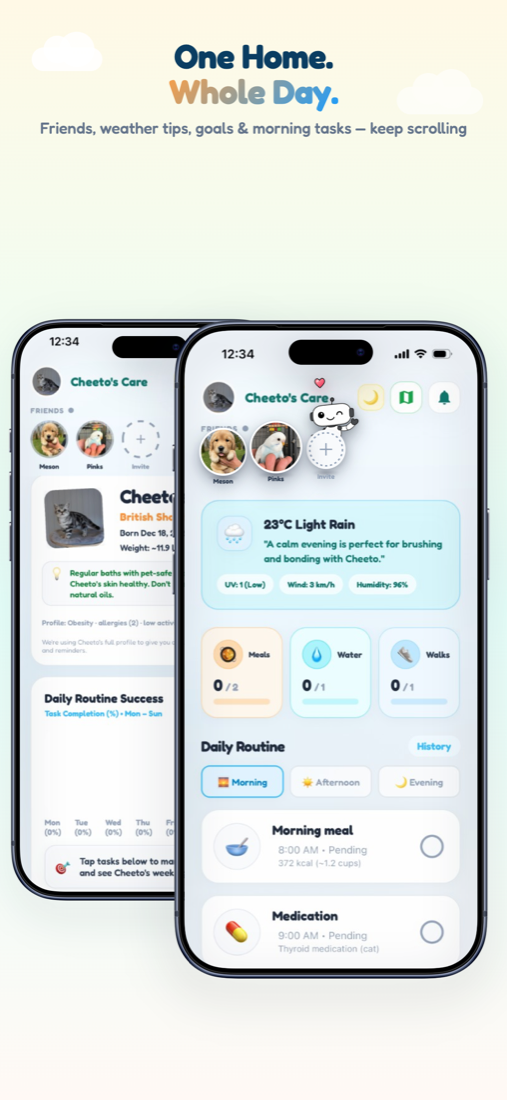
How to open: Home header → map icon (Community & Map).
How to use Map & Pet Alerts
-
Open the map
On Home, tap the map icon to open Community & Map. Allow location when prompted.
-
Filter places
Use chips such as Shop, Salon, Vet, and Park to find what you need.
-
Open place details
Tap a pin for details, directions, or a call shortcut.
-
See friend pets
When Nearby Friends / community visibility is on for both of you, friend pet pins can appear nearby.
-
Browse Lost & Found
Open the community / Lost & Found Alert feed. Filter Lost, Found, or Mine and set a radius.
-
Report a missing pet
Post with photo, description, and last-seen location. Message owners in-app — no phone number required.
Video guidance
A deeper visual walkthrough for Map & Pet Alerts.
This section is ready for a step-by-step walkthrough of Map & Pet Alerts. Until then, follow the instructions above in the app.
Also included
- Report Lost Pet also from Settings
- Mark as found on your own alerts
- Missing-pet contacts in Notifications