Zoí
Zoí Walks
Live Walk Tracking
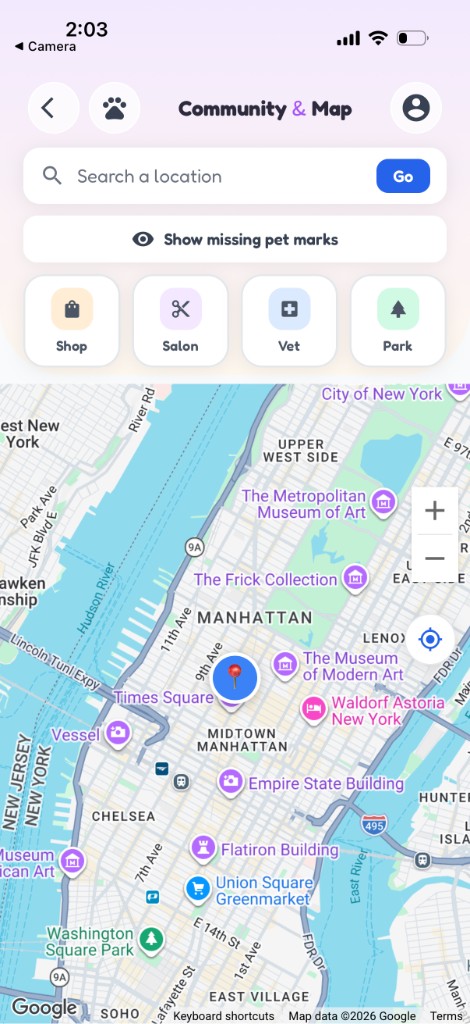
Turn walk tasks into live GPS sessions. Start on the map, pause or resume, and complete the routine when you hit the distance goal.
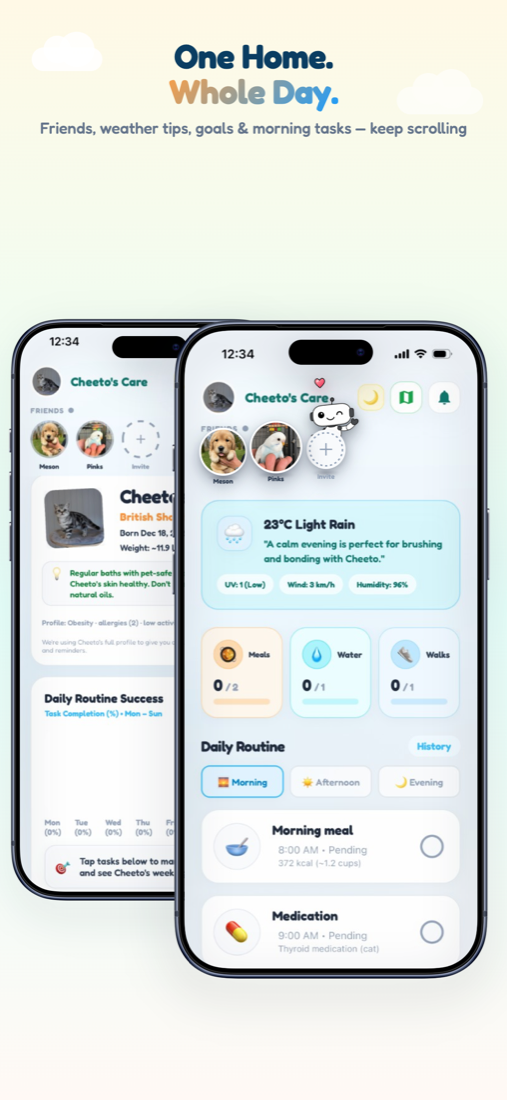
How to open: Home → walk routine card → Track (opens Map in walk mode).
How to use Live Walk Tracking
-
Start from Home
On a trackable walk task, tap Track. Manual check-off stays locked until distance is tracked.
-
Start the session
On Map, tap Start. GPS begins (and Live Activity / ongoing notification on supported devices).
-
Walk toward the goal
Watch path and kilometers update toward the recommended distance.
-
Pause or keep walking
Use Pause / Resume as needed. Leave with Keep walking to continue in the background.
-
Finish when the goal is met
When the goal distance is reached, celebration plays, the walk task completes, and the session is saved.
-
Resume later
Return via Home On walk / Paused, or from the walk notification.
Video guidance
A deeper visual walkthrough for Live Walk Tracking.
This section is ready for a step-by-step walkthrough of Live Walk Tracking. Until then, follow the instructions above in the app.
Also included
- Per-pet session restore after app restart
- Progress syncs to daily walk stats
- End abandons without completing the goal