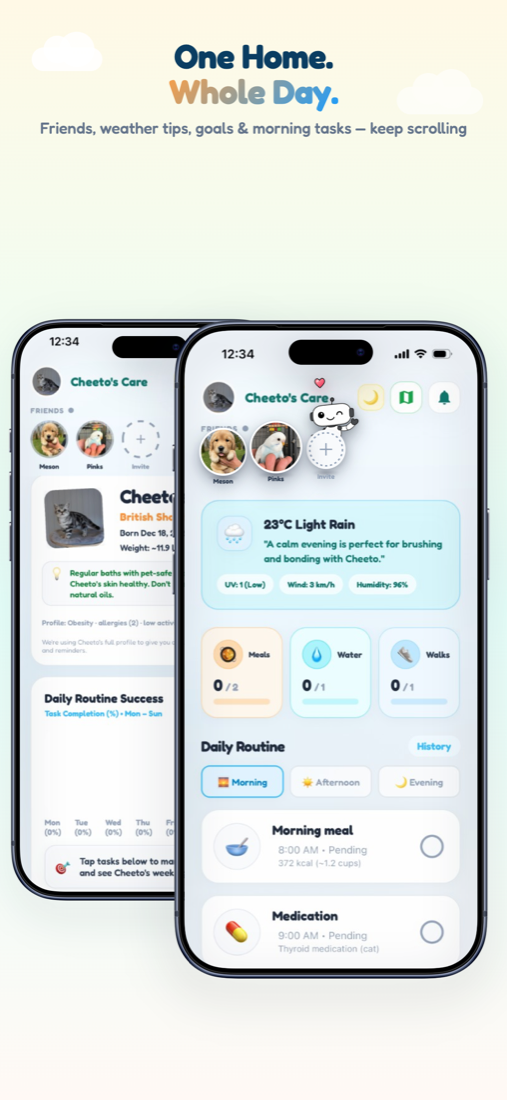
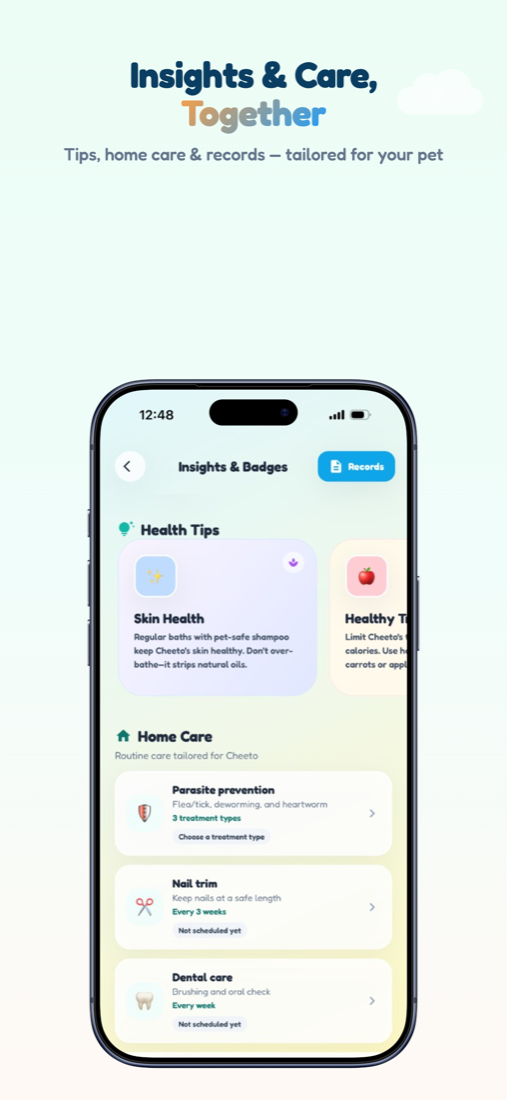
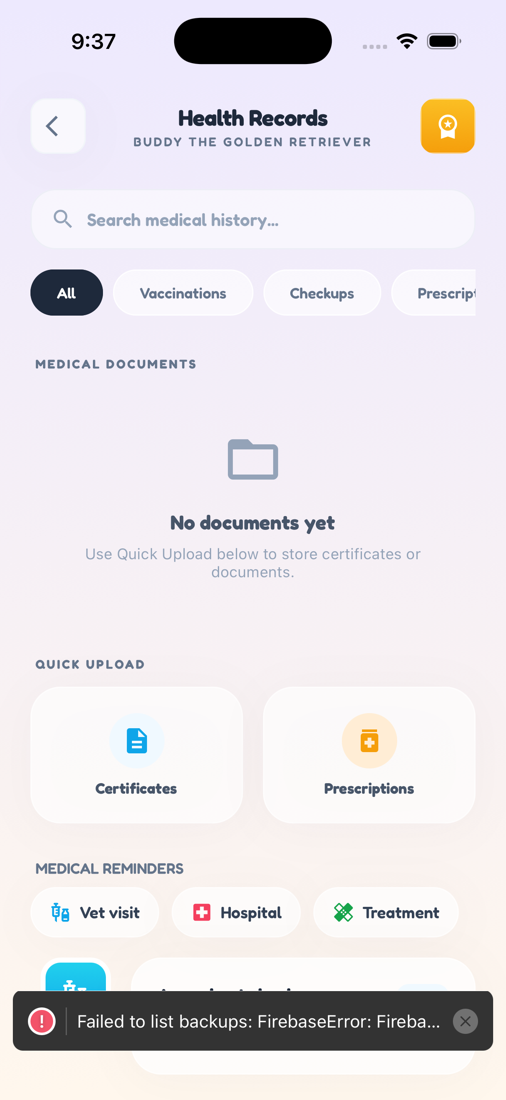
Zoí
Zoí Profile
Pet Profile & Goals
Breed, weight goals, meds, allergies, feeding habits, and personality traits power recommendations across Zoí — plus shareable profile cards.
How to open: Settings → Pet Profiles → select a pet.
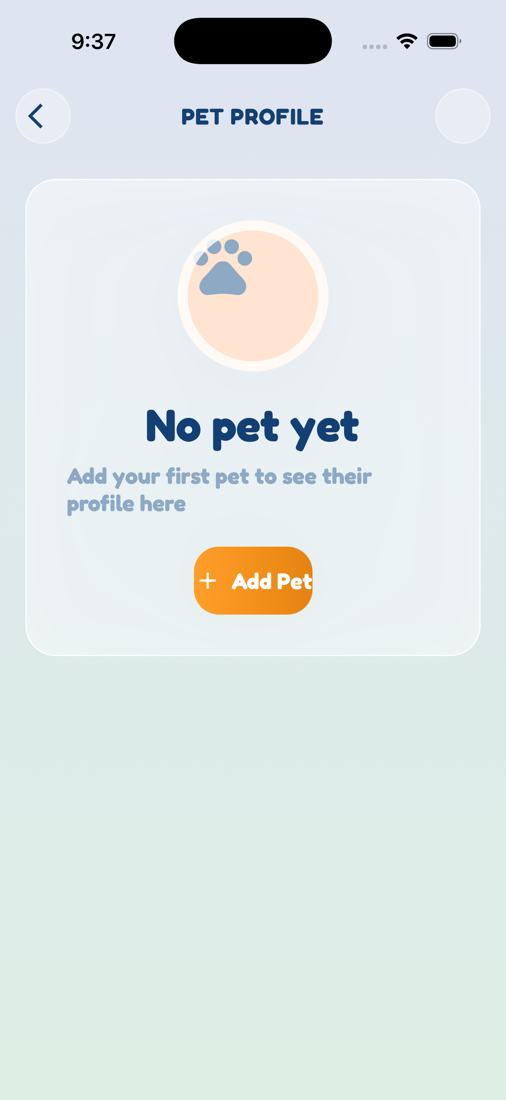
How to use Pet Profile & Goals
-
Open Pet Profiles
Go to Settings → Pet Profiles (or tap the pet circle), then open the pet’s profile.
-
Update About Me
Edit photo, details, allergies, and feeding habits that shape Home and Nutrition.
-
Add medications
Add meds with Morning / Afternoon / Evening so Home shows Medication / Pills cards.
-
Set goals
Under Manage Goals, set target weight or weight-loss / gain goals.
-
Pick personality traits
Choose up to six traits under Personality, then tap Done.
-
Share or switch pets
Use the share button for a profile card/link. Switch the active pet in Settings so all tabs follow that pet.
Video guidance
A deeper visual walkthrough for Pet Profile & Goals.
This section is ready for a step-by-step walkthrough of Pet Profile & Goals. Until then, follow the instructions above in the app.
Also included
- Up to 10 pets per account
- Achievements / Trophy Case from profile
- Goals feed nutrition plans and health messaging