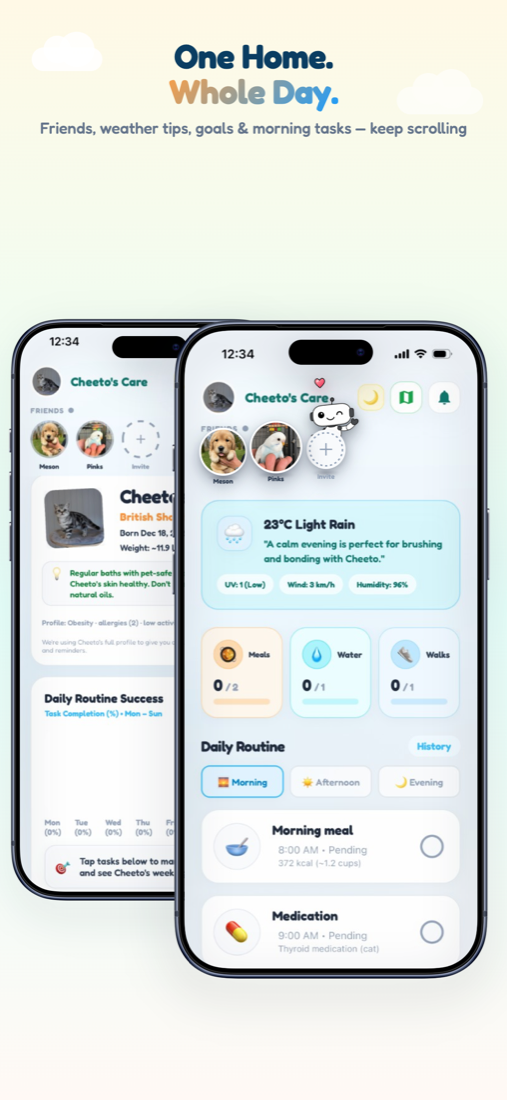
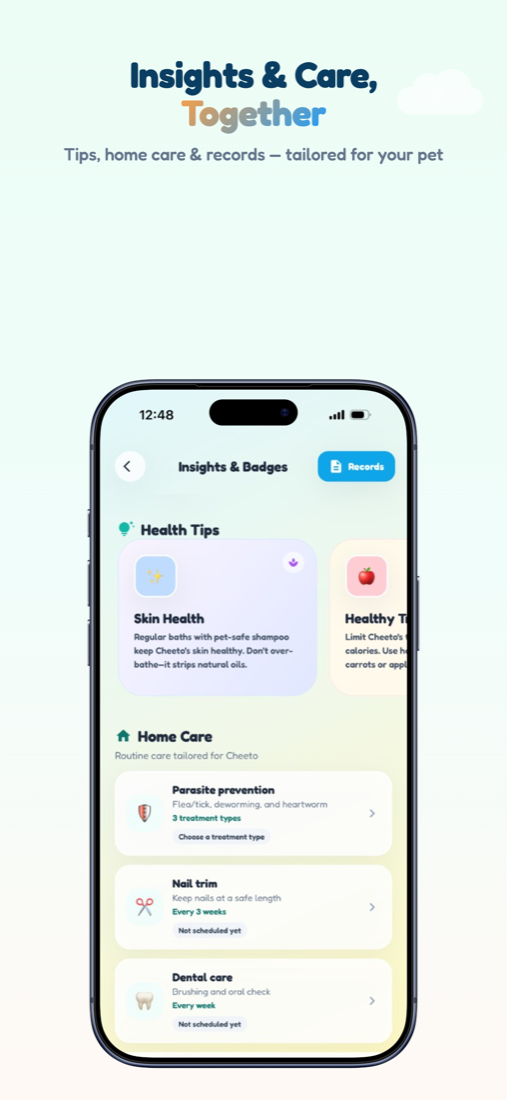
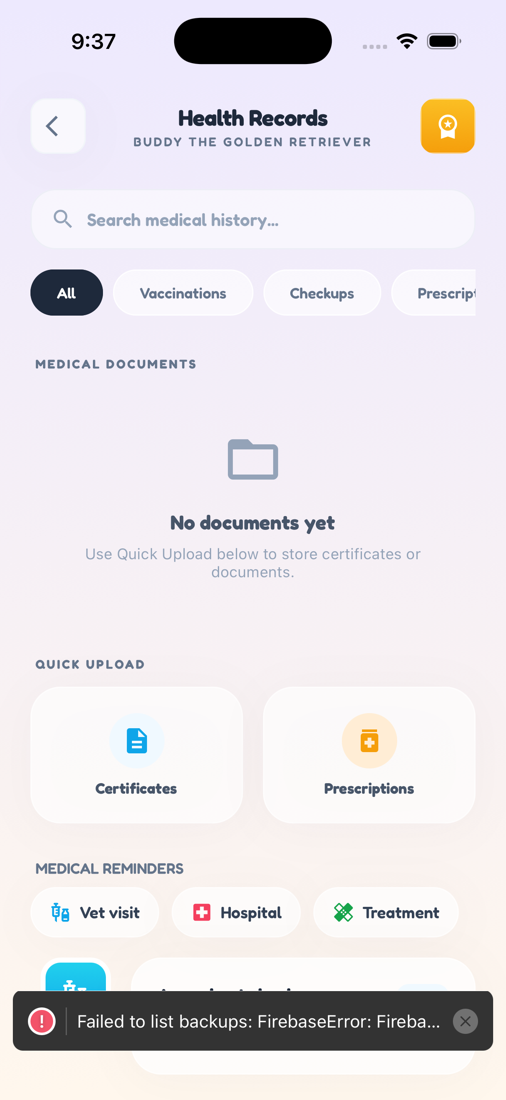
Zoí
Zoí Alerts
Pet Reminders
Schedule food, walks, meds, vet visits, shopping lists, and more — with repeats and “Remind me before” alerts.
How to open: Schedule → alarm button, or Home → Notifications → Reminders.
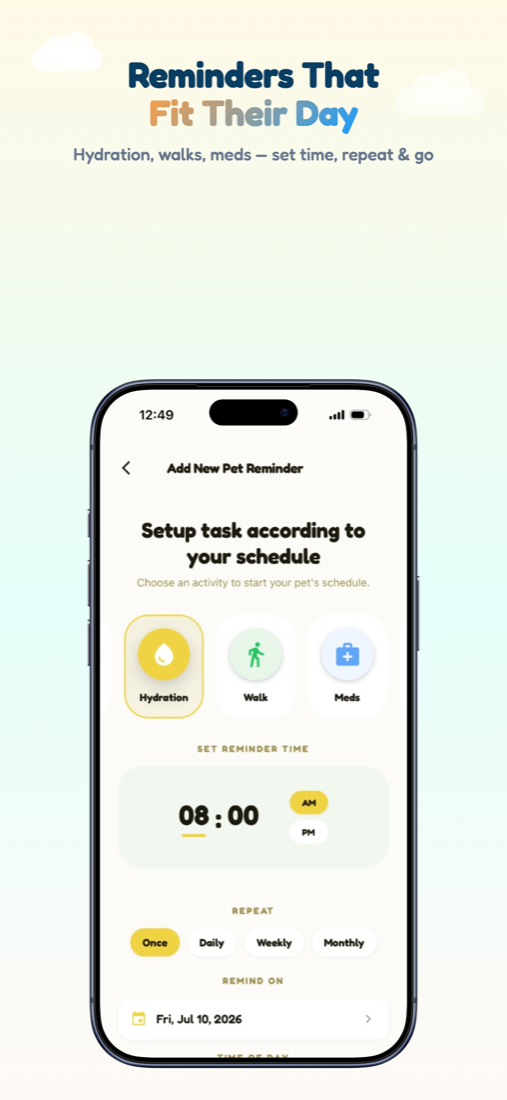
How to use Pet Reminders
-
Open Pet Reminder
From Schedule, tap the alarm button. Or open Home → bell → Reminders.
-
Start from a suggestion
Tap a Suggestion template, or choose Add New Reminder.
-
Pick an activity
Choose Food, Walk, Meds, Shopping, Vet Visit, Hydration, Playtime, and more.
-
Set time and repeat
Pick Morning / Afternoon / Evening / Custom and Once / Daily / Weekly / Monthly.
-
Add advance notice
Optionally set Remind me before. For Shopping, add checklist line items.
-
Save and manage
Tap Save Reminder. In My Reminders, edit entries, update, or toggle them on/off.
Video guidance
A deeper visual walkthrough for Pet Reminders.
This section is ready for a step-by-step walkthrough of Pet Reminders. Until then, follow the instructions above in the app.
Also included
- Shopping lists checkable on Home
- Medical chips from Health Records
- Vaccination book shortcuts